 2:00
2:00Getting around the AI Hub
Two minutes from sign-in to Guide me: the left menu, projects and apps, Help, and Odin.
Home / Video Tutorials / Getting started
Getting started · 2 of 43
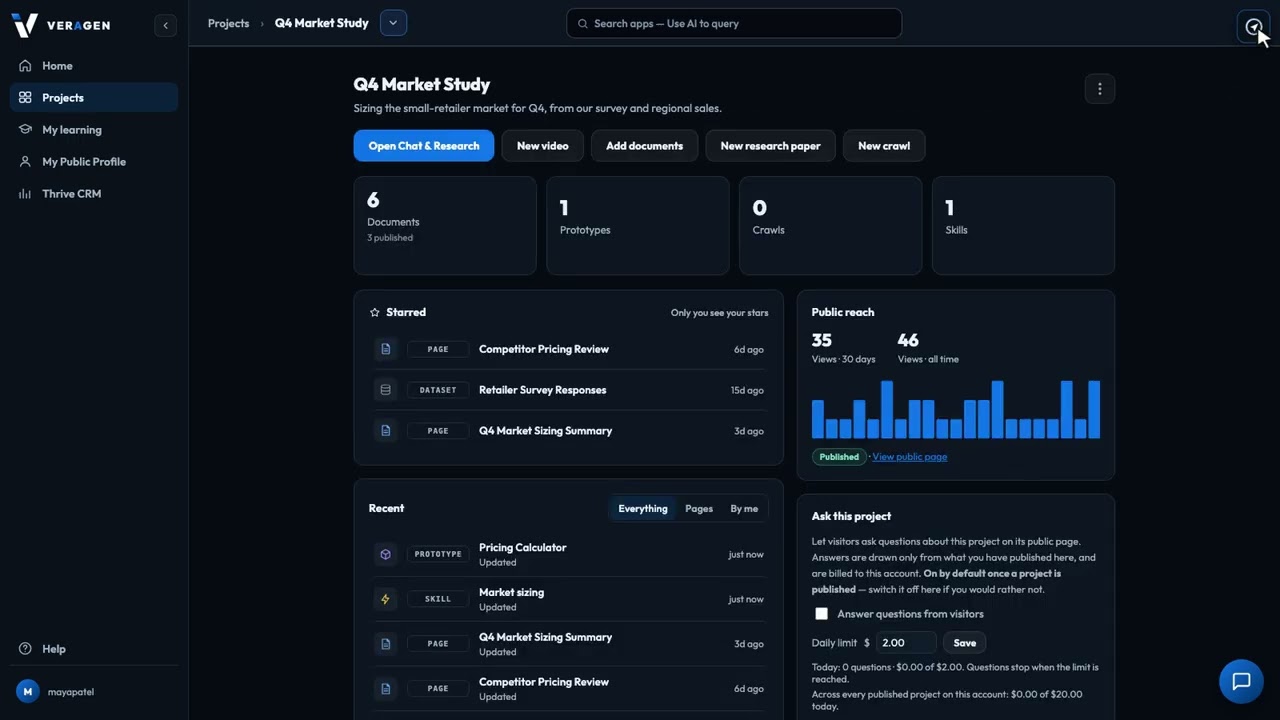
Press the compass at the top right of any page in the AI Hub, and it walks you through the screen you're on, one step at a time. Each step highlights a real control and says what it does, so a new teammate can learn any screen in a minute, without a training session.
Recorded in the real product, using a fictional company, Northwind Labs.
Try it in VeraGen
One assistant across every app. Ask about your business and your own work, typed or spoken.
See Odin AI assistantMore in Getting started
2:00Two minutes from sign-in to Guide me: the left menu, projects and apps, Help, and Odin.
 1:36
1:36Ask Odin out loud, pause, and it sends and answers. No second click, and the recording isn't kept.
One account, every app, and $5 of AI usage to start. Set up in minutes; cancel any time before the trial ends and you pay nothing.