 2:12
2:12Context and Skills
Tell the AI about your business once, save the tasks you repeat as Skills, and everything it writes follows both.
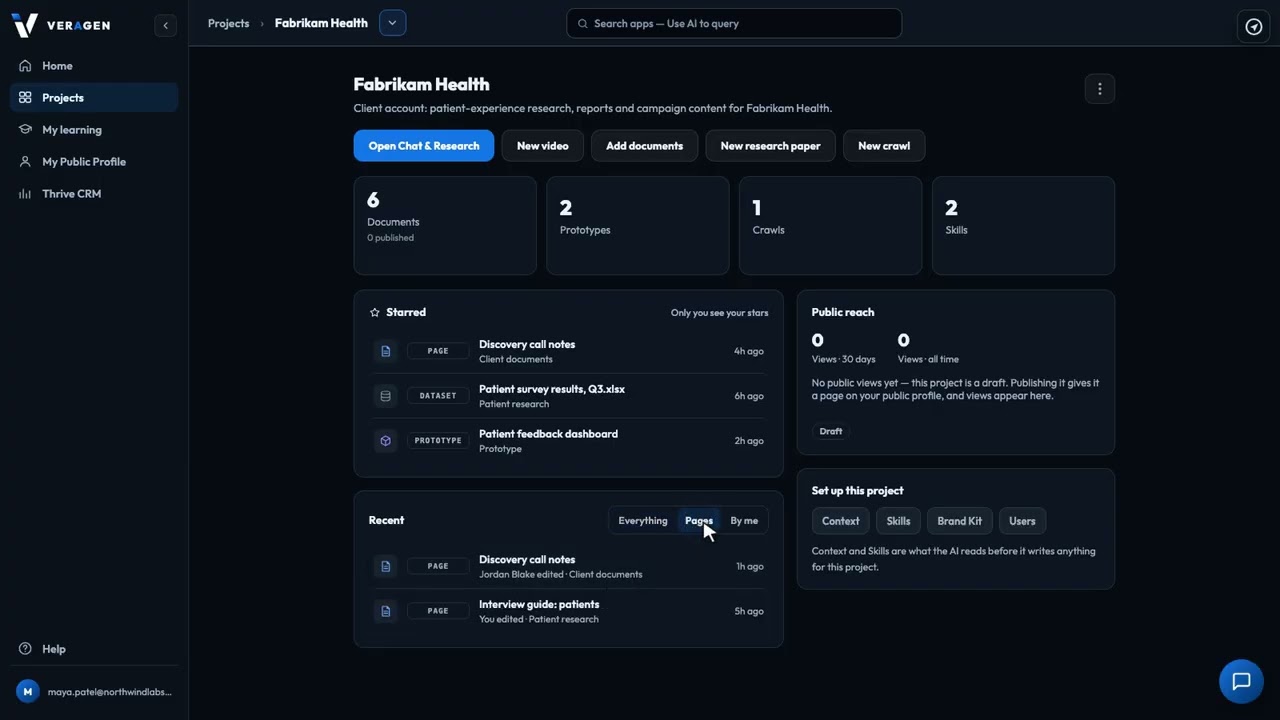
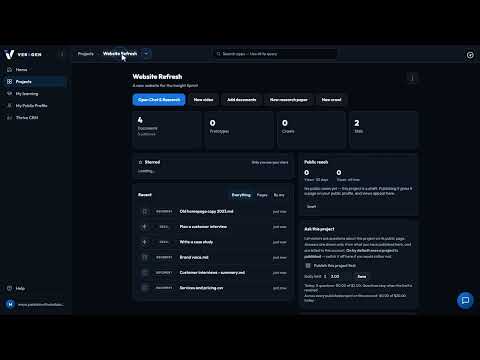
Organise your work in the AI Hub by client, product line, or campaign. Create a project, see what's starred and what's happened lately, switch between projects, and give each teammate access to just the projects they need.
Recorded in the real product, using a fictional company, Northwind Labs.
Try it in VeraGen
Invite your team and clients, and decide exactly who can see and change what.
See Teams & PermissionsMore in Projects & setup
2:12Tell the AI about your business once, save the tasks you repeat as Skills, and everything it writes follows both.
 1:57
1:57Set your colours and fonts once, starting from your logo and website, and everything the Hub builds looks like you.
One account, every app, and $5 of AI usage to start. Set up in minutes; cancel any time before the trial ends and you pay nothing.