
 1:58
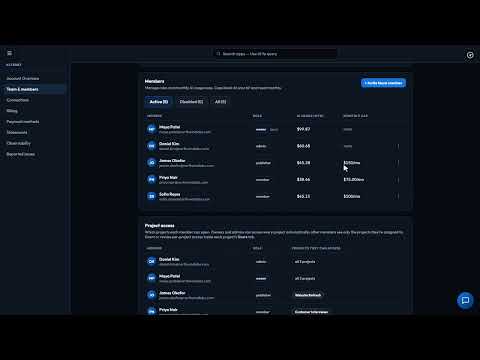
1:58The Account Section
One bill and the right access for everyone: your balance, top-ups, spend by person and app, roles and caps.
Home / Video Tutorials / Account & support
Account & support · 40 of 43
Everything an owner needs to run the account, in one place. Rename the account, set storage and document budgets, connect Slack for workflows and alerts, manage the cards on file, and open a PDF statement for every month, broken down by app, person and AI model.
Recorded in the real product, using a fictional company, Northwind Labs.
Try it in VeraGen
See what your AI did and what it cost, down to the cent, across every project.
See Usage & spendMore in Account & support
1:58One bill and the right access for everyone: your balance, top-ups, spend by person and app, roles and caps.
 1:39
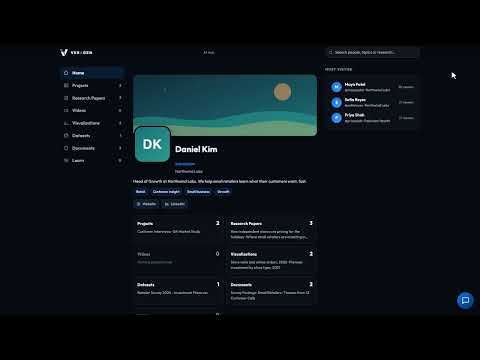
1:39A public page for your best work under your own address, where visitors can even ask a project a question.
 1:11
1:11Owners and admins can report a bug or a request from inside the Hub, with screenshots, and see exactly what's sent.
 0:56
0:56Every issue your account has reported, where each one stands, and our note about the fix.
One account, every app, and $5 of AI usage to start. Set up in minutes; cancel any time before the trial ends and you pay nothing.