 1:58
1:58The Account Section
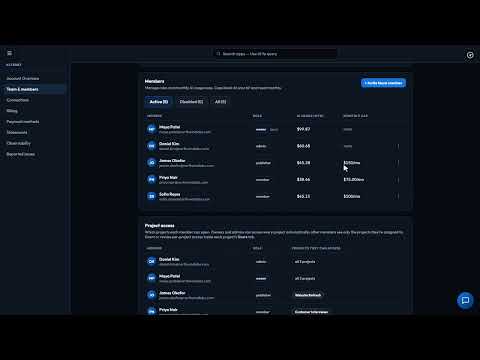
One bill and the right access for everyone: your balance, top-ups, spend by person and app, roles and caps.
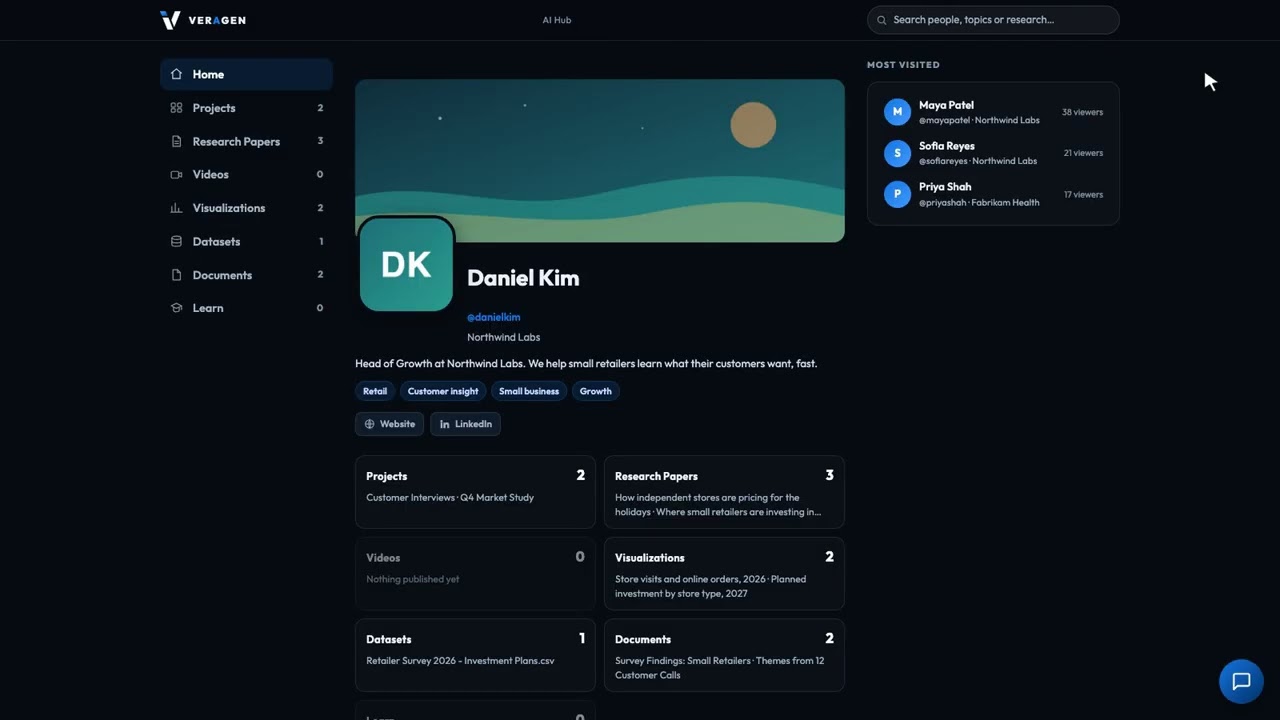
Give your business a public page that shows prospects your best work: your projects, pages, charts and data, all under your own address. Visitors can even ask a project a question and get an answer drawn only from what you've published.
Recorded in the real product, using a fictional company, Northwind Labs.
Try it in VeraGen
Put your best work on a public profile anyone can read. Keep the rest private.
See Public profileMore in Account & support
1:58One bill and the right access for everyone: your balance, top-ups, spend by person and app, roles and caps.
 1:44
1:44Budgets, Slack, the cards on file, and a PDF statement every month broken down by app, person and AI model.
 1:11
1:11Owners and admins can report a bug or a request from inside the Hub, with screenshots, and see exactly what's sent.
 0:56
0:56Every issue your account has reported, where each one stands, and our note about the fix.
One account, every app, and $5 of AI usage to start. Set up in minutes; cancel any time before the trial ends and you pay nothing.