 3:27
3:27FOIA Gen Overview
Public records from any US agency: find who holds them, file a request to their rules, and track every reply.
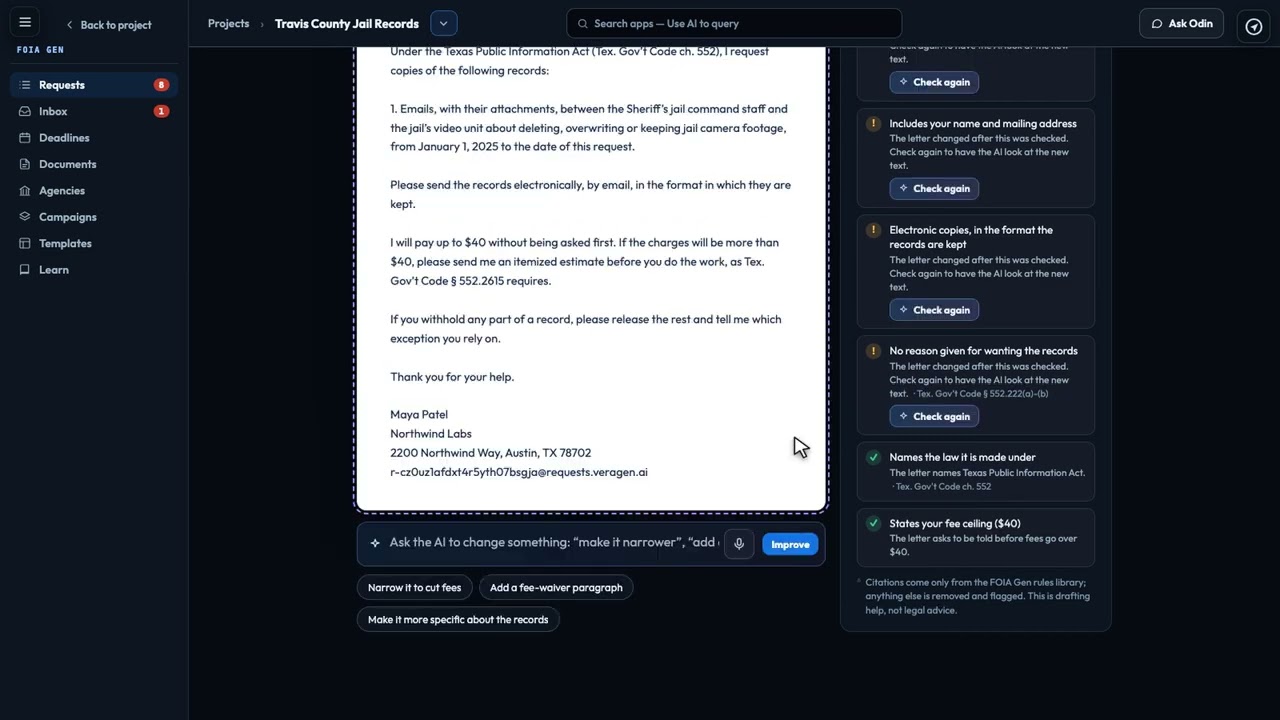
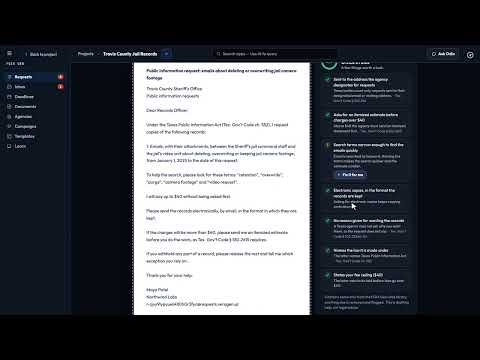
Describe the records you want, and FOIA Gen finds the agency, asks a few questions and writes the request to that agency's rules, with a checklist you can fix in one click. Then send it the way the agency asks: by email, through its portal, or as a printed letter (not legal advice).
Recorded in the real product, using a fictional company, Northwind Labs.
Try it in VeraGen
Public records from any US agency, federal to local: AI writes the request to that agency’s rules and chases every deadline.
See FOIA GenMore in FOIA Gen
3:27Public records from any US agency: find who holds them, file a request to their rules, and track every reply.
 3:43
3:43Find the body that holds the records: filter by place, level and type, or just ask, then read its Rules card.
 3:21
3:21Every agency reply in one inbox, filed with its request, and only the agency's own address can change it.
 2:45
2:45Every deadline in one calendar, counted the agency's way, with a follow-up drafted when a date slips.
 2:40
2:40A permanent record of every step, with a fingerprint of every message, ready for an appeal or a court.
 2:20
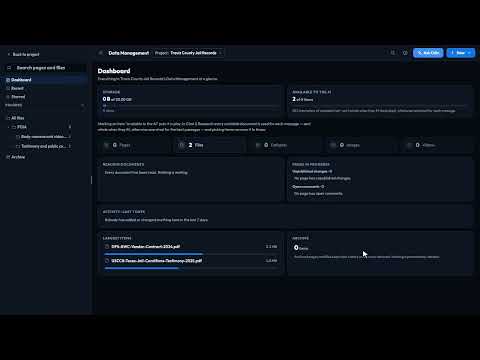
2:20Released records read for you, and an appeal drafted with each exemption answered and where to send it.
 3:07
3:07One request to many agencies: each copy written to that agency's law, one approval, one board of answers.
One account, every app, and $5 of AI usage to start. Set up in minutes; cancel any time before the trial ends and you pay nothing.