 1:42
1:42Skunk Works Overview
A project's own backlog, sprints, board and schedule, with an AI that sums up the sprint while you stay in control.
Keep everything about a piece of work on the task itself. Set the owner, points, due date and labels, write and format the details, paste screenshots, attach images, and @mention a teammate. Then move the task from To Do to Done, and let the AI draft new tasks, improve descriptions and catch you up on an item's history.
Recorded in the real product, using a fictional company, Northwind Labs.
Try it in VeraGen
Backlog, sprints and a board, with AI that writes the items and plans each sprint to your team’s real pace.
See Skunk WorksMore in Skunk Works
1:42A project's own backlog, sprints, board and schedule, with an AI that sums up the sprint while you stay in control.
 2:18
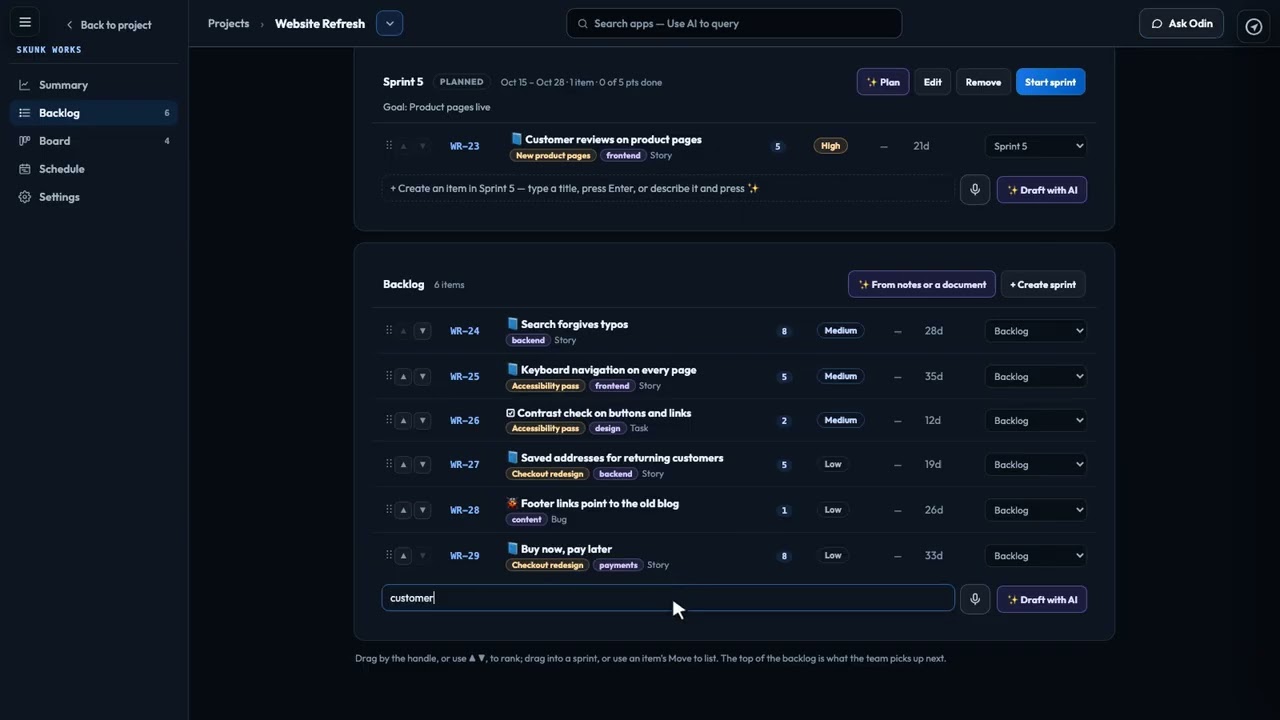
2:18Rank the backlog, set up sprints, let the AI fill the next one to your team's real pace, and keep a review when it ends.
 1:49
1:49Move the sprint's work from To Do to Done, and see what is stuck, overdue or has no owner.
 1:56
1:56Rank your epics, set their priority, and drag their bars to plan the big pieces of work in step with your sprints.
 1:59
1:59Link work to the documents behind it, see from any document which work links to it, and turn a spec into a backlog.
 2:33
2:33Draft items, break down epics, plan sprints to your real pace, and get a brief, a standup and a risk check. You decide.
One account, every app, and $5 of AI usage to start. Set up in minutes; cancel any time before the trial ends and you pay nothing.