
 2:08
2:08Tellagent Overview
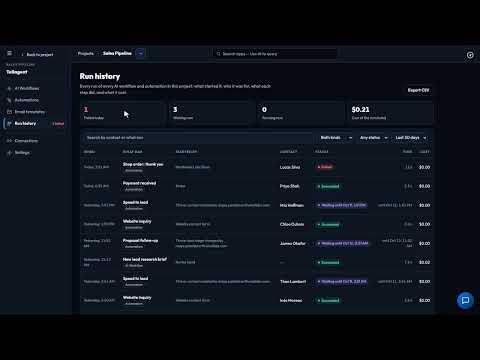
The whole app in two minutes: AI Workflows that research and write, and Automations that follow up when something happens.
Give your website a chatbot that answers visitors' questions at any hour, from what your business has written down. Build it as a chat workflow in Tellagent, try it with Test chat, then publish it with Embed and paste one line of code into your site.
Recorded in the real product, using a fictional company, Northwind Labs.
Try it in VeraGen
Every lead, order and invoice gets the right email or text at the right time, and a chatbot answers on your website.
See TellagentMore in Tellagent
2:08The whole app in two minutes: AI Workflows that research and write, and Automations that follow up when something happens.
 2:14
2:14An email follow-up that runs for every deal by itself: template, trigger, merge fields, a wait, a reminder, test and publish.
 2:15
2:15Write an email once, send it from any automation, wait until it is opened, and see what happened to every email.
 1:44
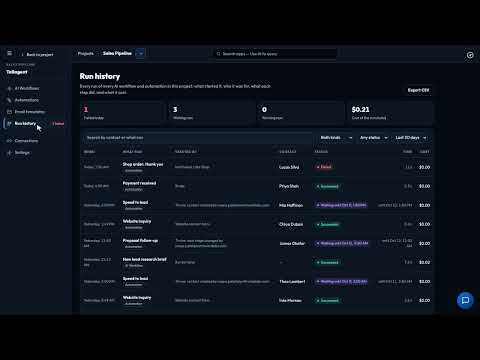
1:44Let a Stripe payment, a Calendly booking or a Typeform answer start your follow-up, and use your Shopify store’s steps.
 1:35
1:35Describe the automation in plain words and Odin builds it. Check it, change it with one click, and publish when you are ready.
 2:03
2:03Chain steps together, from reading your documents to emailing the result, and run them now or on a schedule.
 2:41
2:41Describe a routine job to Odin and it builds the workflow as a draft. Check it, switch it on, and it runs every week.
 3:51
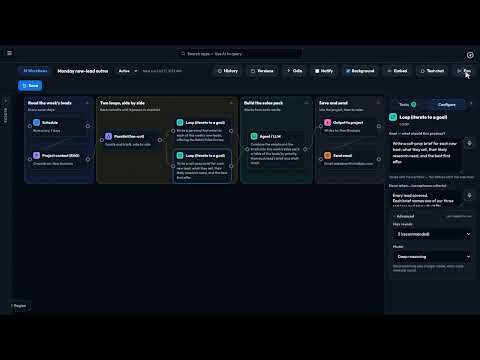
3:51Loop blocks keep an AI step working until it meets your standard, instead of handing on its first draft.
 1:59
1:59Connect Slack once, and Site Pulse alerts, AI Workflow results and automation notifications post to your team’s channels.
 1:41
1:41Checks your pages and sign-up forms on a schedule, the way a customer would, and emails you when something breaks.
One account, every app, and $5 of AI usage to start. Set up in minutes; cancel any time before the trial ends and you pay nothing.