Ascend
What Ascend does
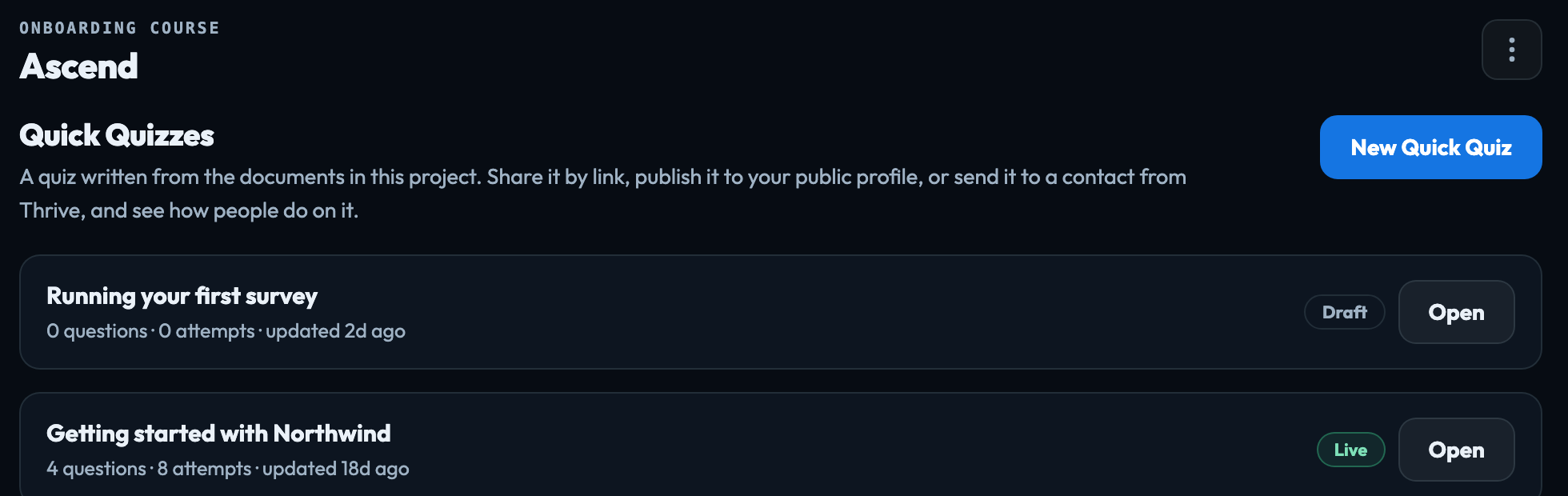
Ascend turns a project's own documents into training: a Quick Quiz — a set of questions anyone can take with a link, on your public profile, or from an email you send them in Thrive — or a course of modules and lessons with an assessment for each module. Building a course Open a project and choose Ascend from the search box at the top. There is nothing to set up first. All projects & learning paths, at the bottom of Ascend's menu, opens the page for your whole account: every project's training, and learning paths. All training, and learning paths
Written only from your documents
A quiz's questions are written solely from the Data Management documents you assign to it — never from the AI's general knowledge, and never from another project. A generated question that cannot be traced to one of those documents is discarded rather than saved. With no documents assigned, generation is refused outright, which is why Generate questions stays greyed out until you choose some.
Who can take it
Anyone with the link, with an email address and no account — no password, no invitation. You can check what contractors, franchisees, new starters or customers know without managing logins for any of them.
The screens
Ascend's menu lists Courses; Quick Quizzes, every quiz in the project; Documents, what every quiz and course is written from, with upload; and Activity, everything that has happened in Ascend on this project, newest first (Documents for every quiz and course). Open a quiz and the menu lists its screens:
| Questions | The questions and their answer key. The key is never sent to anyone taking the quiz. |
|---|---|
| Documents | The Data Management documents the questions are written from. |
| Results | Who has taken it, their best score, and which questions people get wrong. |
| Settings | Name, pass mark, attempts, what takers are shown, publishing and archiving. |
← All Quick Quizzes goes back to the list.
Who does what
Account owners, admins and publishers build quizzes. Publishing one to the public profile, removing a person's name and email (Forget), and changing how long names and emails are kept need an account owner or admin. A quiz's results can be seen by the person who created it and by the account's owners and admins. Members take quizzes rather than build them: opening Ascend, they are told quizzes are built by publishers. Who can see results
Signed in to VeraGen? Press Guide me on any screen for a walkthrough, or ask Odin.