RSS & Atom Feeds
What RSS & Atom Feeds does
RSS & Atom Feeds collects stories from RSS feeds and websites, and a project can publish them as a public news site: a page of stories from the feeds you choose, each linking back to the publisher who wrote it. Open a project and choose RSS & Atom Feeds from the search box at the top.
The site shows each publisher’s own headline and a short summary, and sends readers on to the original. Every 15 minutes it checks for sources that are due, reads their feeds, and files what it keeps under a section. Reading and filing stories uses AI credit, shown in your usage as Website — collecting articles.
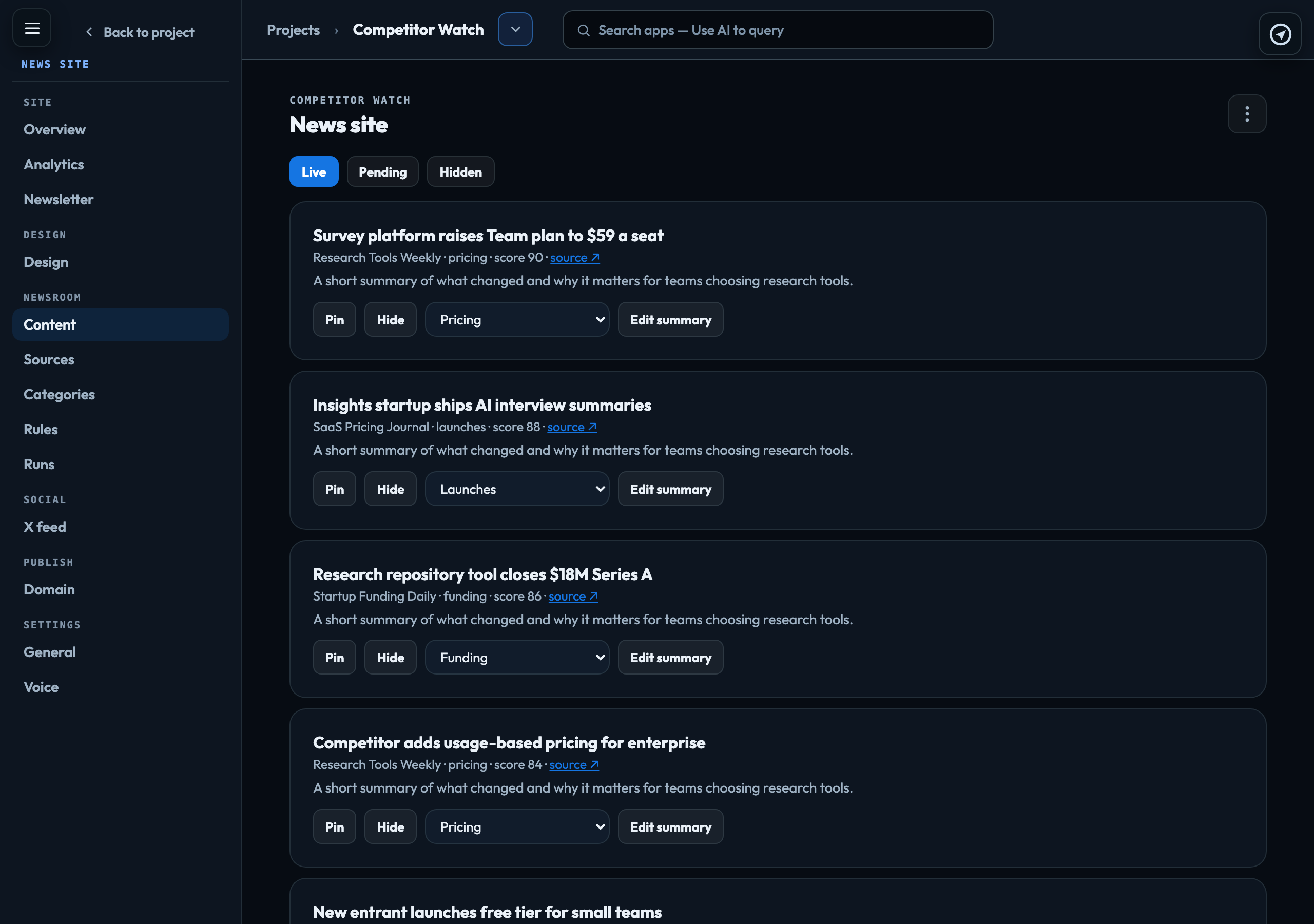
The menu
| Overview | What the site is carrying, and Refresh all now to check every source straight away. |
|---|---|
| Analytics | Page views on the live site, and how the checks have gone. |
| Newsletter | A morning email of the day’s top 10 stories, sent to every active subscriber at 6am Eastern. Send test sends today’s issue to one address. |
| Design | Opens the live site in Chat & Research so you can restyle it by describing what you want. |
| Content | Every story the site holds, under Live, Pending and Hidden. Pin a story, move it to another section, Edit summary, Hide it or Restore it; in review mode, Approve it. |
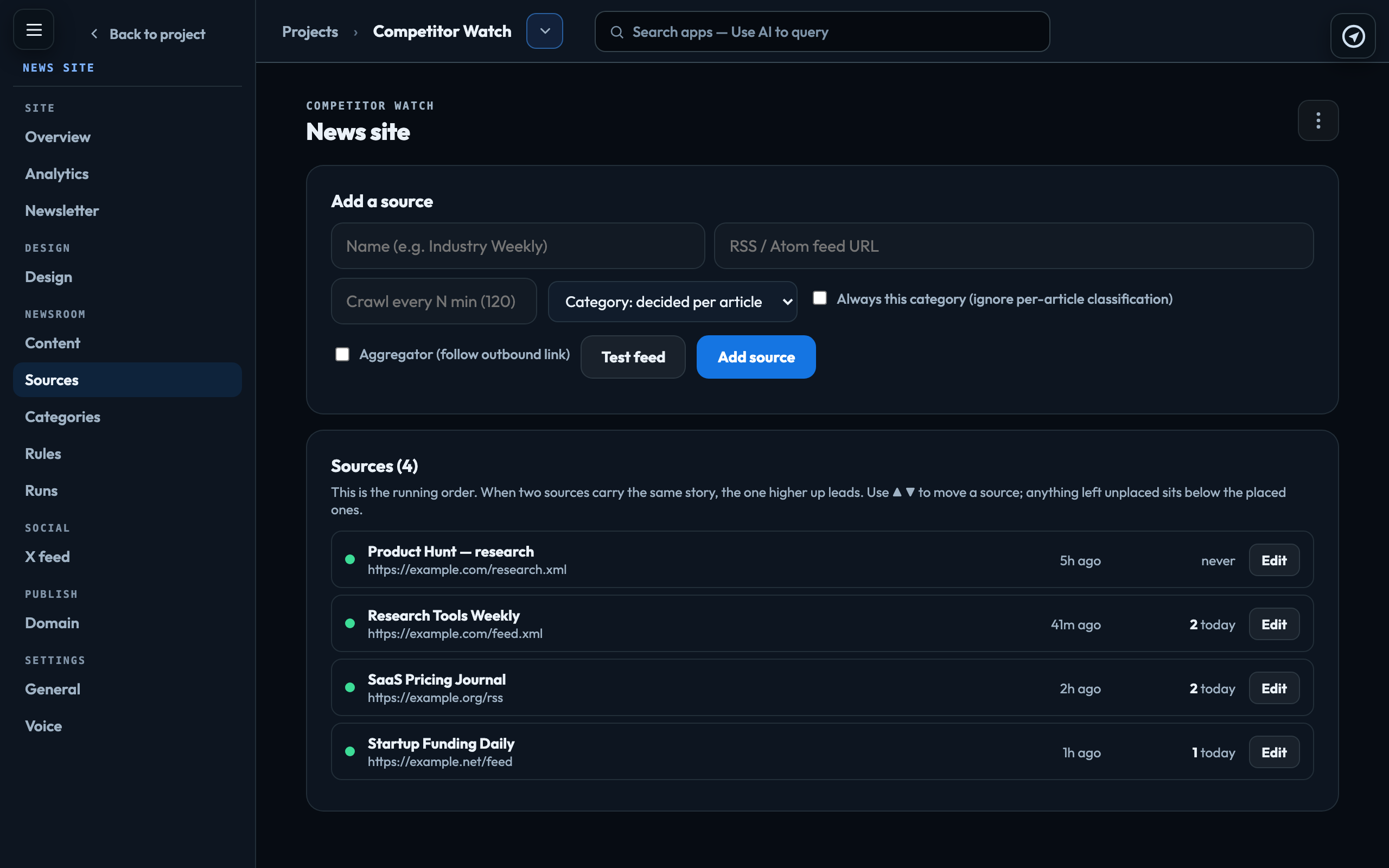
| Sources | The feeds it reads, in running order — when two sources carry the same story, the higher one leads. Test feed checks an address before you add it, and Run now checks one source straight away. |
| Categories | The sections of the site. Every story is filed under one by subject. Top Stories is the front page rather than a subject: it shows the best of every section. |
| Rules | How old a story may be, how newsworthy it must be, how many stories each section keeps live, banned topics, house rules for the curator, which publishers the site carries, and whether pictures are checked before they appear. Review mode holds new stories for approval instead of publishing them. |
| Runs | The history of every check — what was found, what was kept, and why the rest was skipped. |
| X feed | Posts and live Spaces from the accounts the site follows on X, in the homepage rail. Connecting an X account |
| Domain | The site’s address: a free one on veragen.ai, or your own domain, with the records to add at your registrar. |
| General and Voice | The site’s basic details, and the voice used for its audio brief, a story’s Listen and Ask Odin. |
How a source files its stories
Each source can have a section. With always on, everything the source carries goes to that section. With it off, the section is used only when a story cannot be placed by subject.
Who can do what
Adding and changing sources, categories and stories, the rules, the design and the live-site address, and Refresh all now, need the Publisher role or above. Connecting a domain, the X feed, the voice, sending a test newsletter and removing subscribers need an account owner or admin.
Signed in to VeraGen? Press Guide me on any screen for a walkthrough, or ask Odin.