Team & platform
Managing your team
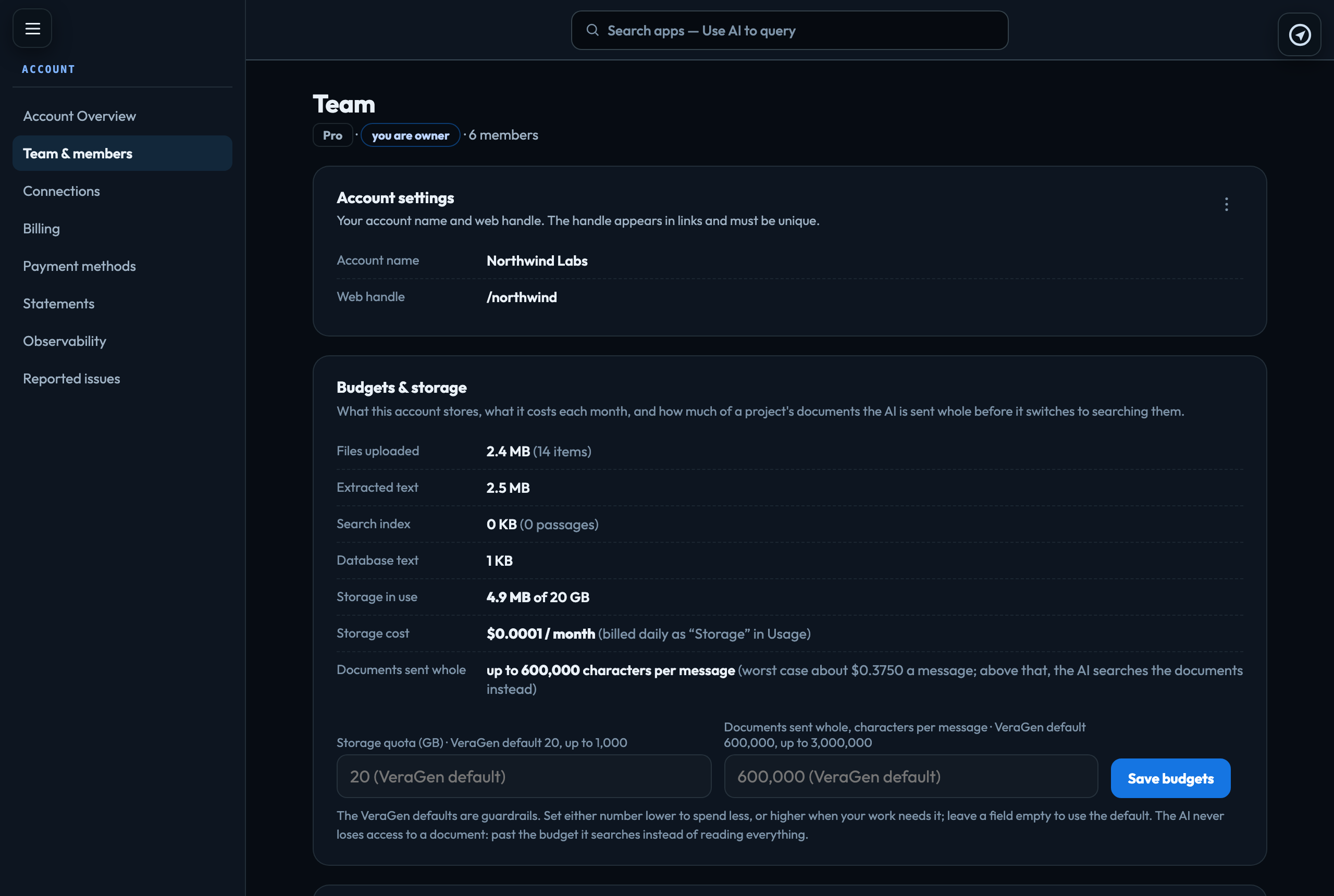
Owners and admins manage the people on the account in Account → Team & members.
Invite someone
Click + Invite team member, enter their email and choose a role. They accept the invitation the next time they sign in; someone new to VeraGen, or whose sign-in was deleted, is emailed a new sign-in first. A pending invitation can be Resent or Revoked at any time. If an address can't be invited, the message says to contact VeraGen support (hello@veragen.ai).
On a plan account, an invitation cannot take the account past its plan, counting invitations that are still waiting: Solo is one person, Team up to 10 and Business up to 50. The message says which plan to change to. Everyone who can sign in to the account counts toward what the plan bills, whatever their role, so accepting, disabling, enabling and removing people changes the bill. Plans and the free trial
For each member
| Role | Owner, Admin, Publisher or Member. Roles explained |
|---|---|
| Monthly cap | The most of the shared balance this person can use in a month. It resets at the start of each month. |
| Billing access | For admins only, and set by the owner. Who can see and manage billing |
| Reset password | From the member's menu. They are emailed a link to set a new one. Anyone can also reset their own from the sign-in page. Signing in |
| Project access | Which projects a publisher or member can open. Project members & access |
| Disable | From the member's menu. They stay on the list, marked Disabled, and keep their role, monthly cap and project access, but they cannot open this account and do not count as a seat (on a plan account, enabling someone needs room on the plan). Enable, in the same menu, gives them everything back. If this is the only account they belong to, they cannot sign in until they are enabled. Enable cannot turn on a sign-in that VeraGen has turned off (contact VeraGen support), or one that was deleted: remove that person, then invite them again. |
| Active, Disabled and All | The buttons above the member list. The list shows active members unless you choose Disabled or All. |
|---|
| Remove from account | From the member's menu. They lose access to this account at once; their past work stays in it. If this was the last account they belonged to, their sign-in is turned off too, and inviting them again turns it back on. |
|---|
The account itself
The account's name, web handle, contact details and limits are not on this page; they are under Account → Settings. Account settings
Signed in to VeraGen? Press Guide me on any screen for a walkthrough, or ask Odin.