Thrive CRM
Why every field has a source
A contact → Sources lists every value Thrive holds about them, and where each one came from. It answers "where did this email address come from?" long after the fact.
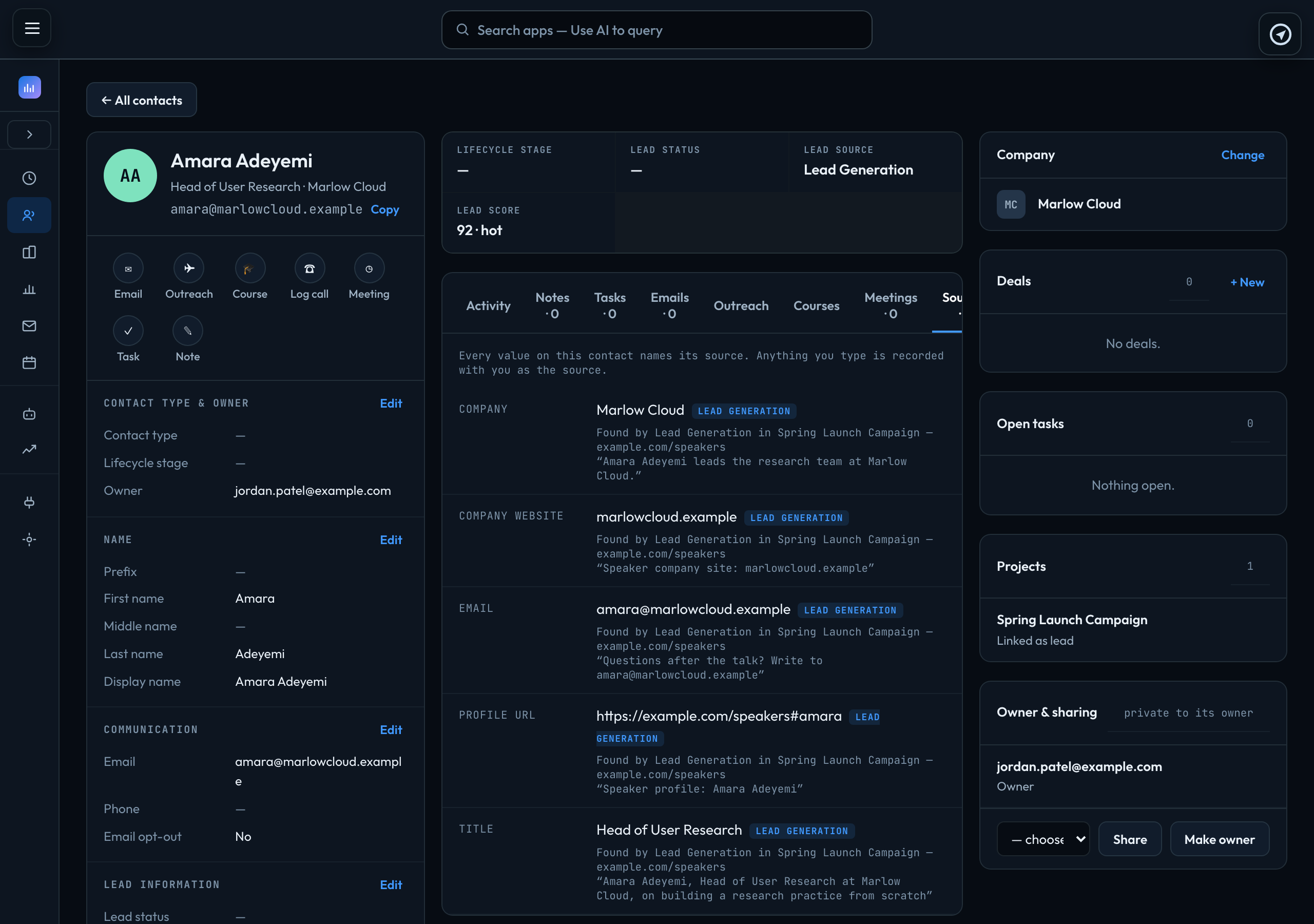
| Lead Generation | The project, the page it was found on, and the passage that says so. |
|---|---|
| Import | The file it was imported from, for example Imported from contacts.csv. |
| Human | The person who typed it — "edited by" and their email address. |
When a value changes, Sources shows the newest one and where it came from. A value you type is always recorded as coming from you, never as something found elsewhere.
Signed in to VeraGen? Press Guide me on any screen for a walkthrough, or ask Odin.